
Scene photos
Opens the folder with the crime scene photos.
In the game
Scene photos open the photographic record of the crime scene, taken after the body was removed, in the style of a police forensic team: barrier tape, numbered markers, an overturned chair, a broken glass on the floor. There are two to four photos per case, in the same illustration style as the rest of the game. They are there so you can step into the place where it all happened and picture the night of the crime in more detail.
Unlike the other forensic tests, the photos have no report, reveal no fact for your Clues and give no points. They also don't show the evidence or the object that incriminates anyone: they set the scene, they don't solve it. No people, wounds or blood appear in them. Players who like to look at every corner before starting the questions tend to order the photos right at the beginning, while they're still deciding which suspect to start with.
They cost 10 coins and, like every forensic test, last for the current game: reopening the photos in the same game doesn't charge again, and a new attempt after a loss charges once more. For Senior Detective subscribers the photos are free in every case: the card shows Free and they open without the confirmation window. For everyone else, a window confirms the order, and coins are only taken if the case has photos: without them, the option doesn't even appear in the Lab. The photos also take a little while to arrive (about a minute), and you can rush them for 5 coins.
How the minigame works
When you order the photos, an evidence folder opens full screen in a short four-second animation. After the first second, a tap skips it.
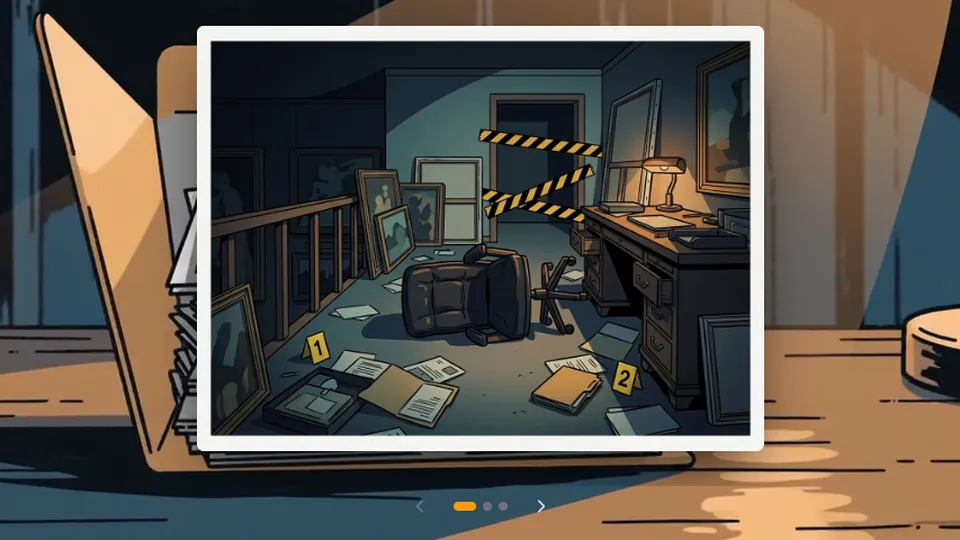
The scene photos appear in a slider, over the background of the open folder. Swipe sideways to go from one photo to the next; in the browser, there are arrows too.
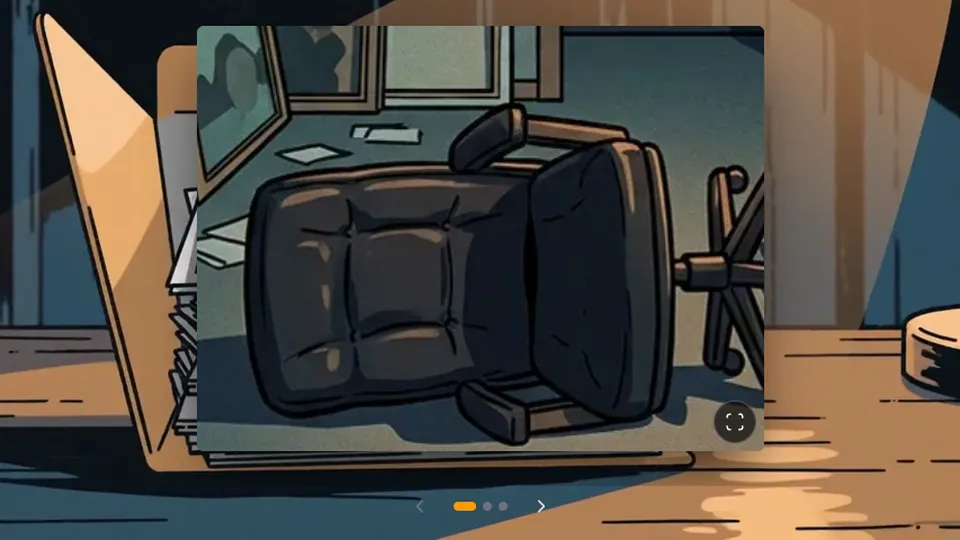
To see a detail, zoom in on the photo with two fingers, with Ctrl and the mouse wheel or with a double tap, then drag to explore. The reset button brings back the whole photo.
In real history
A photo can also bring down a story: a Japanese newspaper caught a famous archaeologist burying artifacts before "discovering" them, and a two-decade fraud came crashing down.
Shinichi Fujimura's archaeological fraud

Other forensics
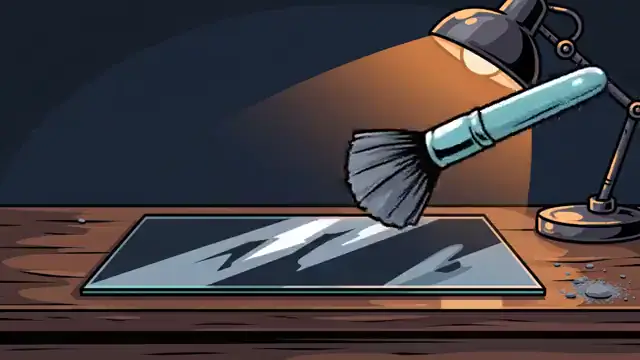 FingerprintsReveals prints on objects and surfaces at the scene.
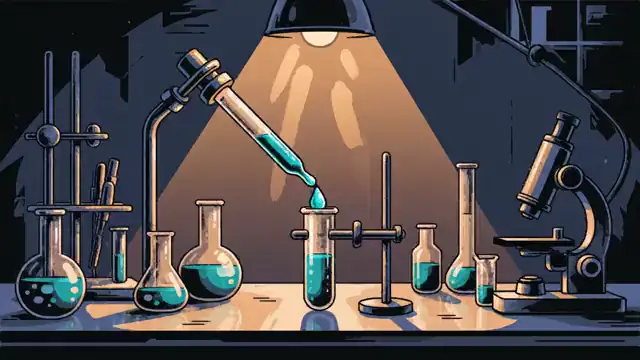 DNA testMatches genetic material from the scene against each suspect.
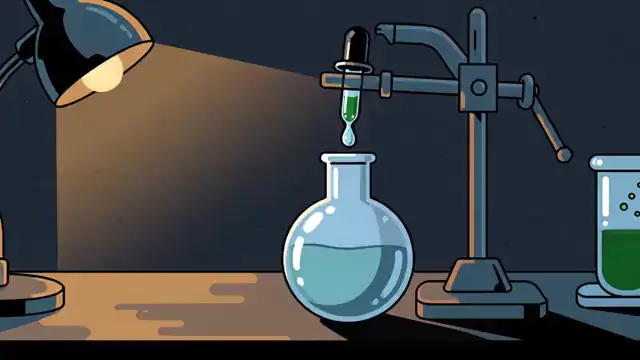 ToxicologyLooks for poisons, medicines and other substances.
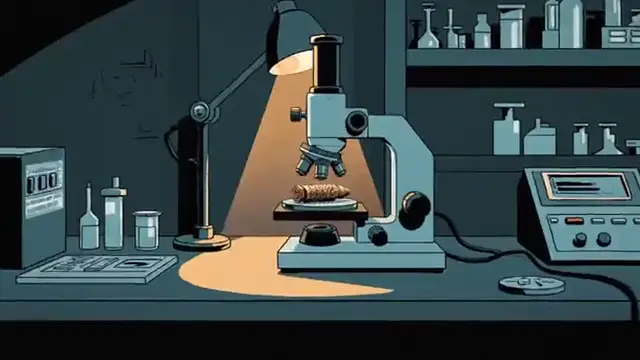 BallisticsLinks a bullet or a weapon to the shot.
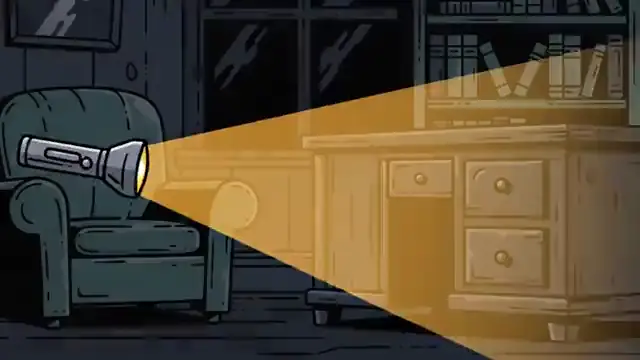 Search warrantCombs the scene for whatever was left behind.
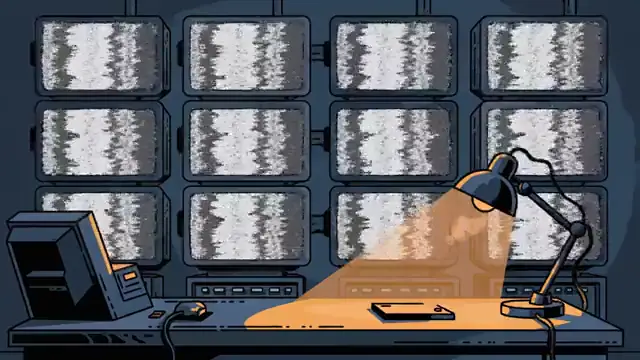 Security camerasReviews camera footage from the time of the crime.
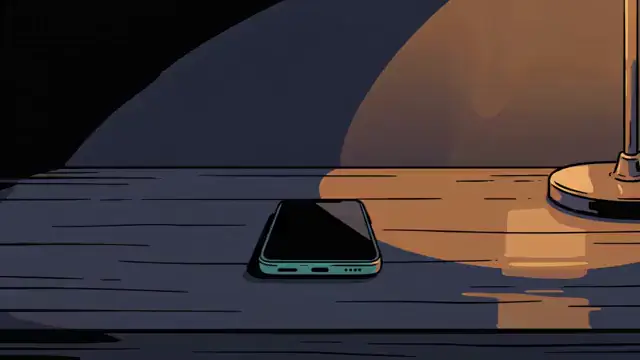 Phone recordsPulls the calls and messages of everyone who was there.
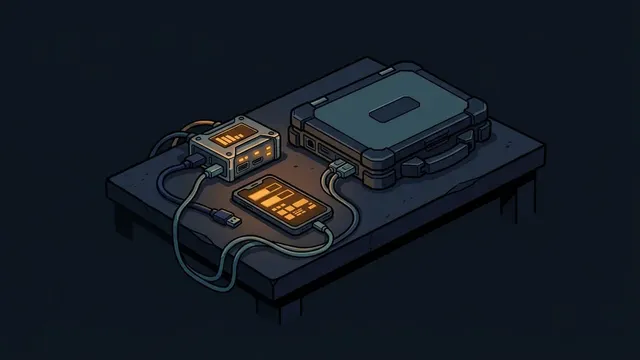 Digital forensicsUnlocks a seized phone or laptop and recovers deleted messages.
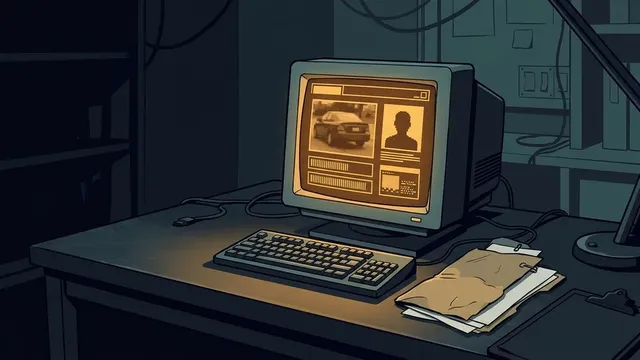 Records and platesPulls someone's record or the owner of a license plate.
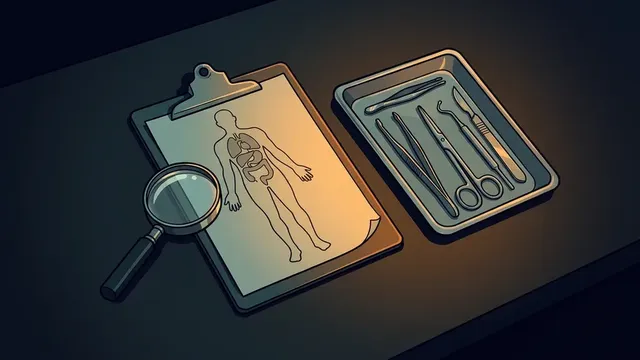 Medical examiner's reportReads the medical examiner's chart for marks the summary left out.
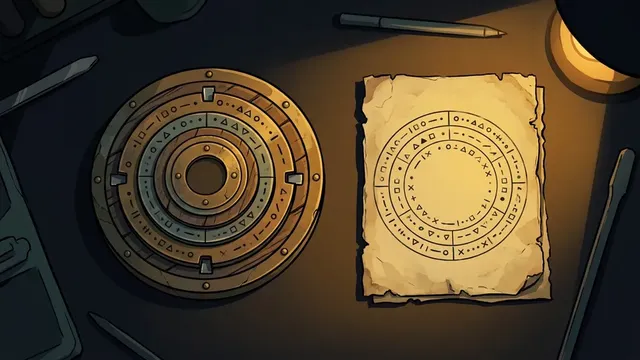 Translation or cipherTranslates or decodes a document in another language or in code.
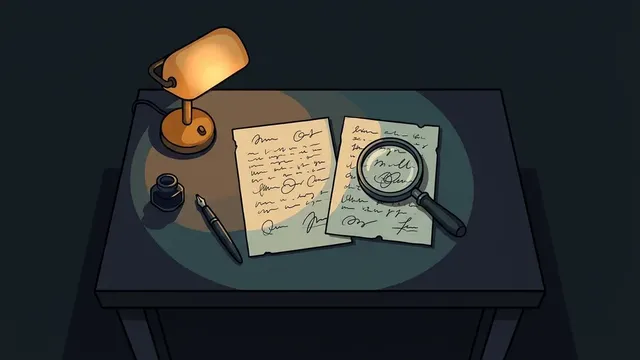 Handwriting analysisCompares the writing or signature on a document with a suspect's.