
Security cameras
Reviews camera footage from the time of the crime.
In the game
The security camera analysis reviews footage from one spot at the scene over a stretch of time: the building lobby in the middle of the night, the service entrance after dinner. In practice, an analyst checks the device's clock, frame by frame, and notes who passes by and when. In Confessd, the card says which camera and which time window will be reviewed, without telling you what shows up in them.
The report describes what the camera recorded, in the tone of an official report, and gets a Positive, Negative or Inconclusive stamp. An image can break an alibi, confirm that someone left when they said they did or show that nobody passed that way. Whatever is revealed goes into your Clues and opens or strengthens a question. A camera shows movement, not intent: it shortens the investigation, but the right accusation still depends on you.
The price ranges from 5 to 50 coins, paid only once per game. Reopening the report later costs nothing, but restarting the case after a wrong accusation charges the analysis again. Since it doesn't count toward the question limit, it's a safe way to get new information without spending the scarcest, most precious resource in the interrogation. The report's clock only starts after the minigame: it comes out after a short wait, and you can rush it for 5 coins.
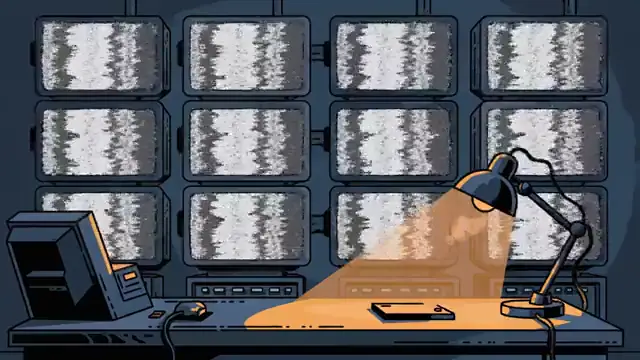
How the minigame works
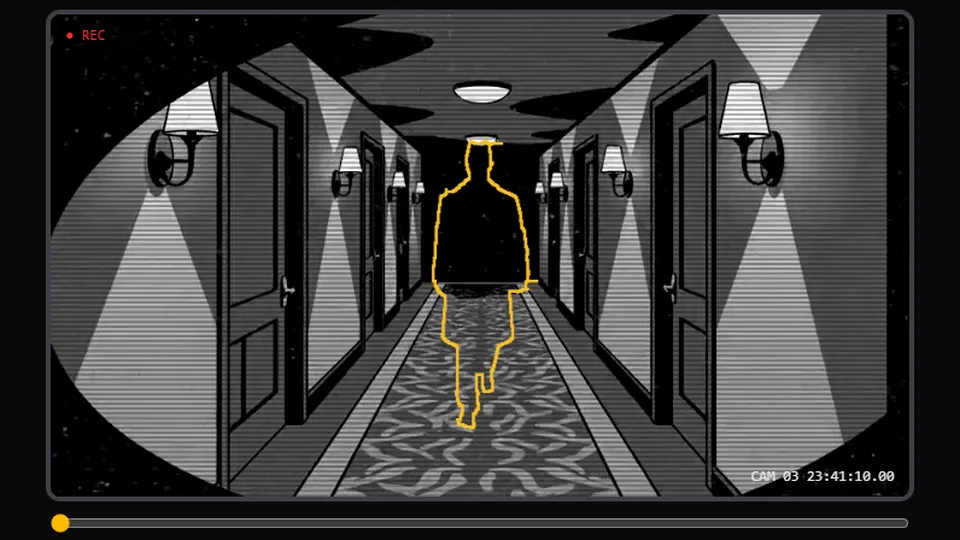
Footage of a hallway appears paused, in black and white, with the red REC and the camera's clock. Over the image, the hollow outline of a person blinks.
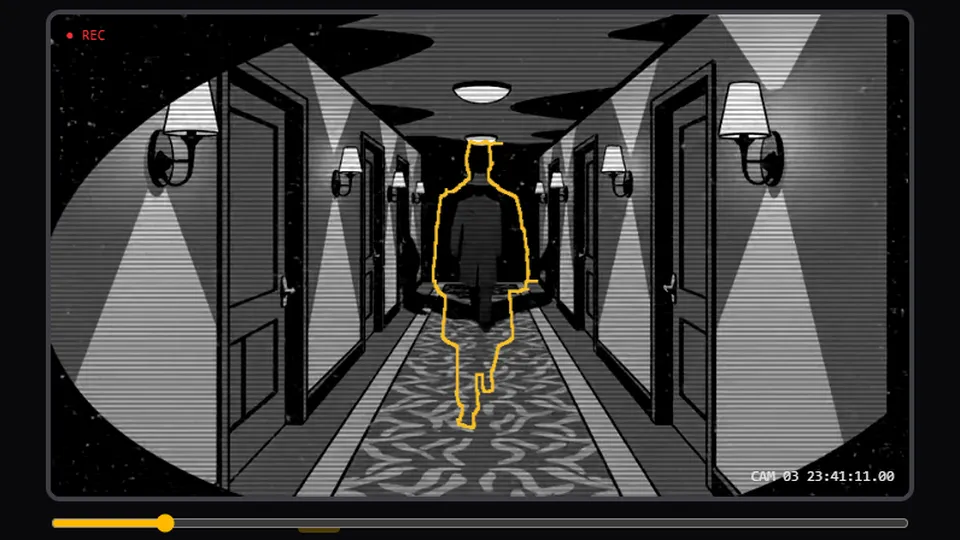
Drag the footage bar to move forward or back in time until the person in the video fits that outline exactly. Pressing "Capture" at the wrong spot only shows "That's not it". After 20 seconds without a hit, a stretch of the bar lights up to mark where the right moment is.
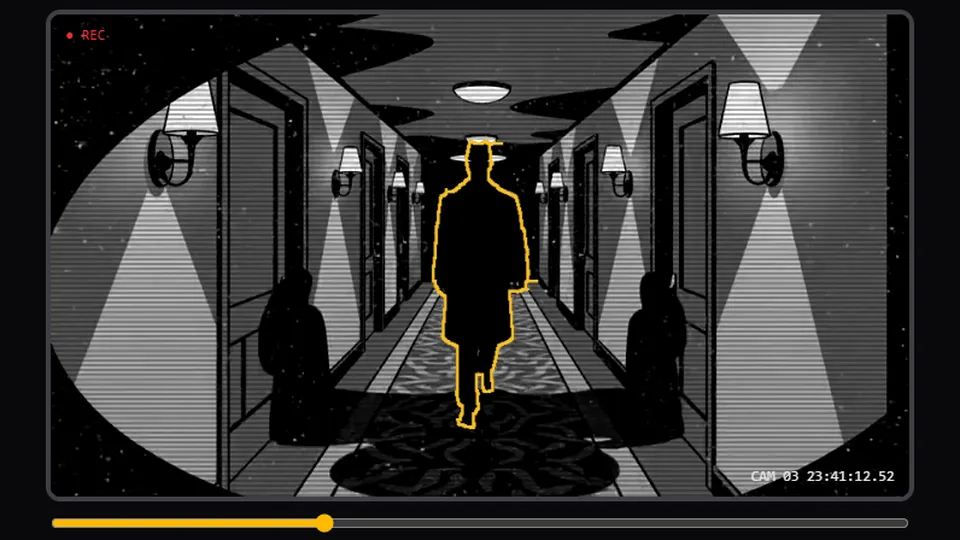
With the person lined up in the outline, press "Capture": the image is recorded, the discovery sound plays and the camera report opens.
Try it
Try the minigame

Other forensics
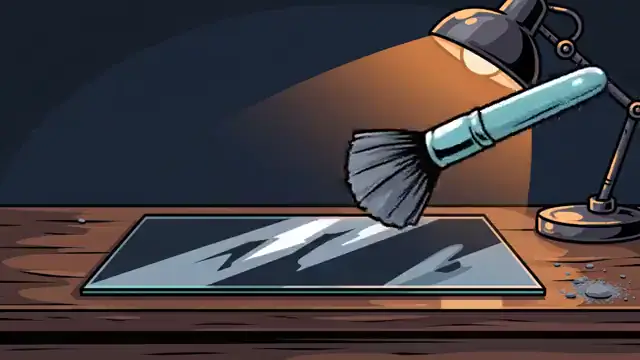 FingerprintsReveals prints on objects and surfaces at the scene.
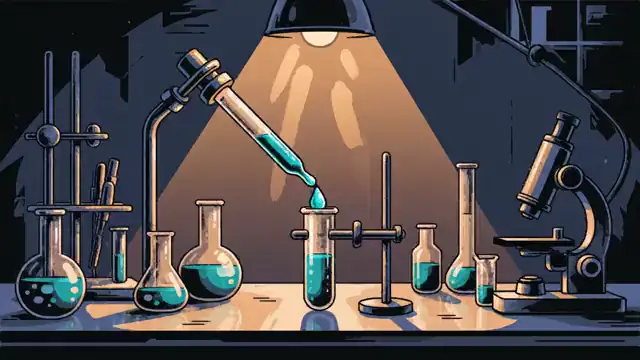 DNA testMatches genetic material from the scene against each suspect.
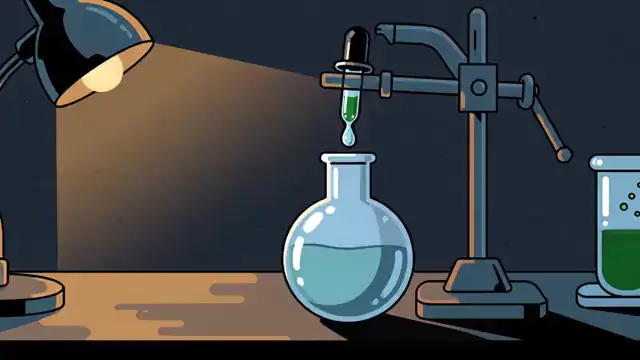 ToxicologyLooks for poisons, medicines and other substances.
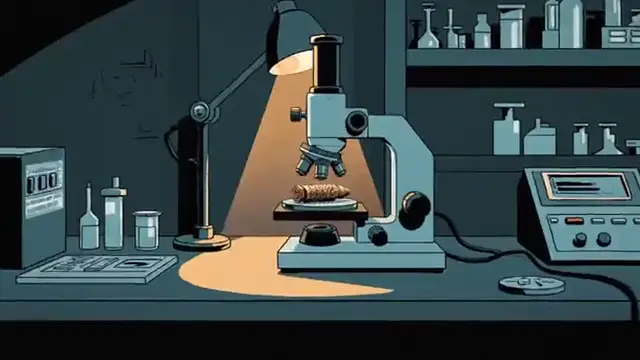 BallisticsLinks a bullet or a weapon to the shot.
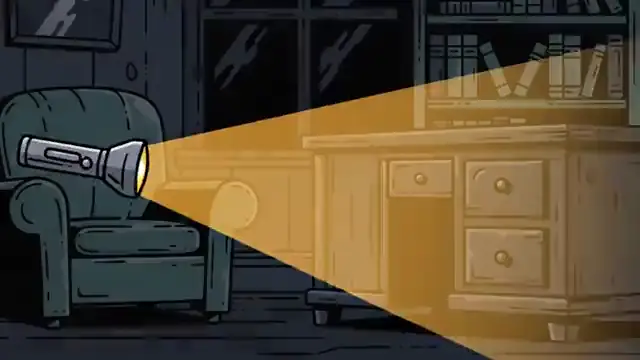 Search warrantCombs the scene for whatever was left behind.
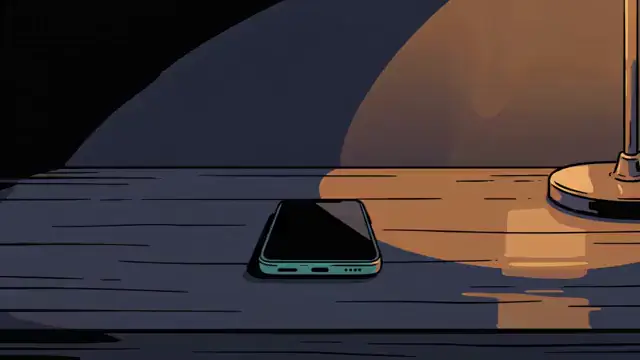 Phone recordsPulls the calls and messages of everyone who was there.
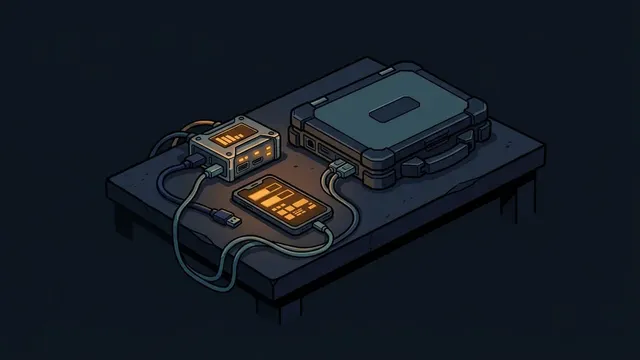 Digital forensicsUnlocks a seized phone or laptop and recovers deleted messages.
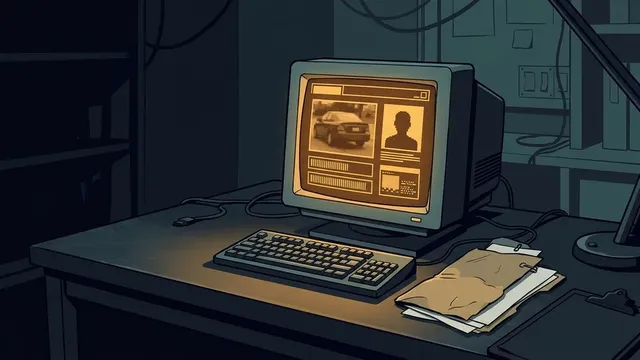 Records and platesPulls someone's record or the owner of a license plate.
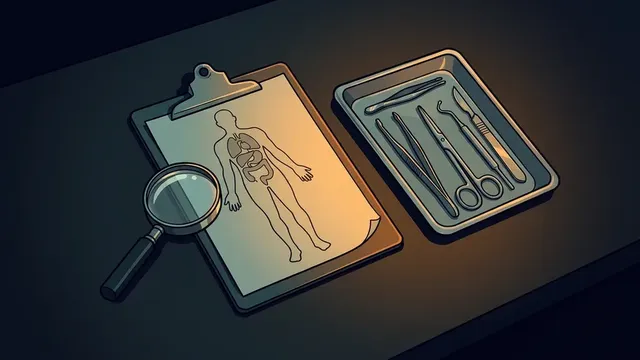 Medical examiner's reportReads the medical examiner's chart for marks the summary left out.
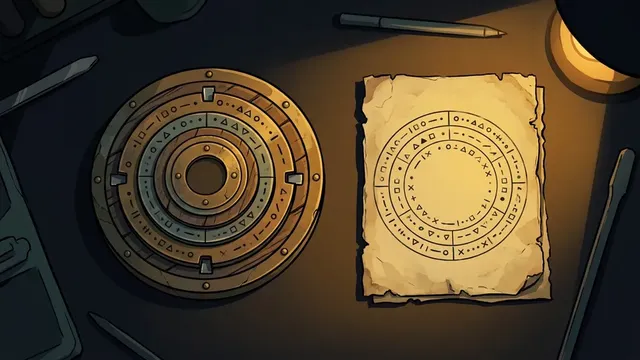 Translation or cipherTranslates or decodes a document in another language or in code.
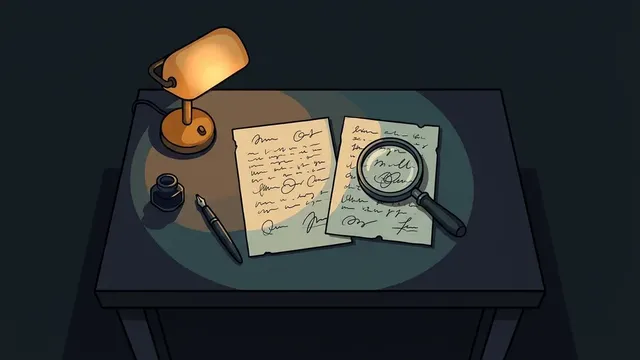 Handwriting analysisCompares the writing or signature on a document with a suspect's.
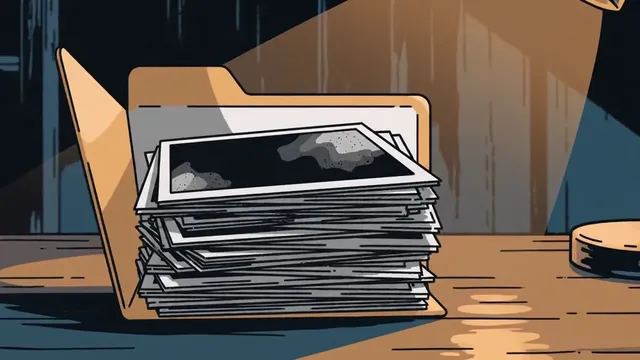 Scene photosOpens the folder with the crime scene photos.